

Blog
Best Gaming Laptop for Game Developers — RTX 50 Series 2025 Guide

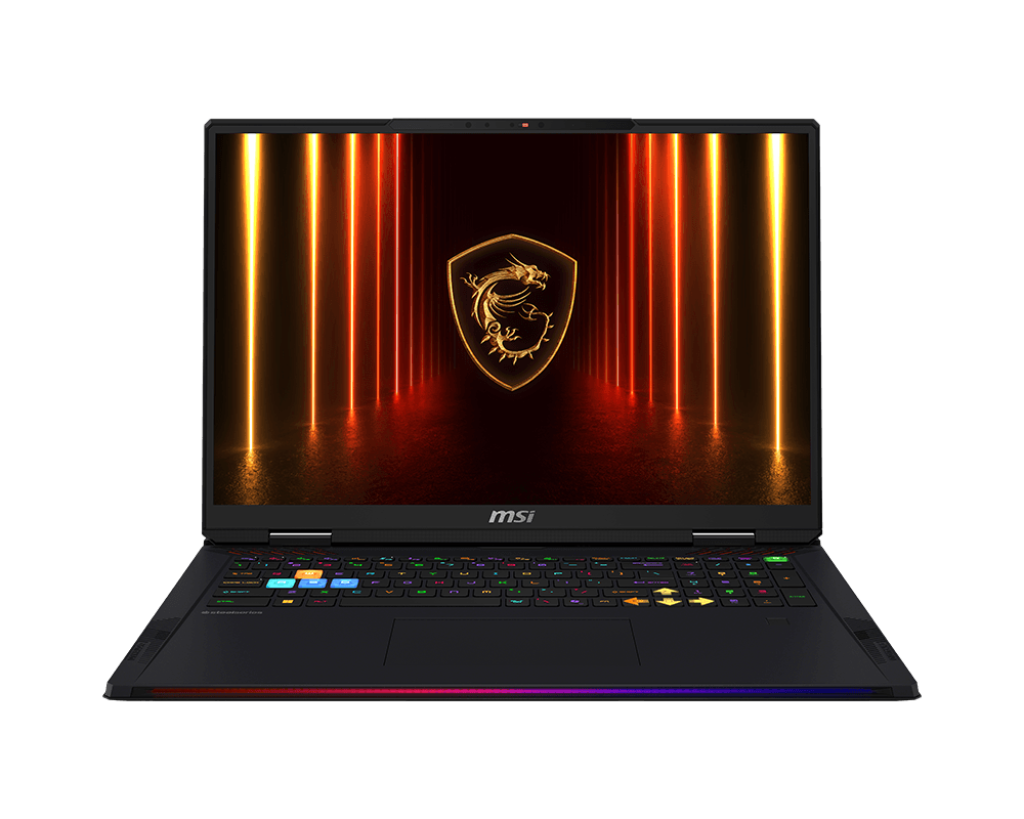
Best Gaming Laptop for Game Developers — RTX 50 Series & Workstation-Grade Picks 2025
Finding the best gaming laptop for game developers in 2025 requires a different evaluation lens than pure gaming performance. Consequently, SmartBuyGadgets has curated the definitive professional developer lineup — machines that handle Unreal Engine 5 real-time rendering, Unity scene compilation, large codebase indexing, and GPU-accelerated AI tooling simultaneously. Specifically, the ideal game development laptop combines a high-core-count CPU for fast build times, an NVIDIA RTX GPU with generous VRAM for Nanite/Lumen rendering and DLSS 4 testing, at least 64GB of RAM for large world builds, and a high-refresh IPS or OLED display for UI/UX workflow. Therefore, our picks below are optimized for exactly that use case.
Top Gaming Laptops for Game Developers — 2025 Ranked
| Model | CPU | GPU / VRAM | RAM | Best For | Price |
|---|---|---|---|---|---|
| Razer Blade 18 (RTX 4090) | Intel Core i9-14900HX | RTX 4090 16GB | 32GB DDR5 (64GB max) | Unreal Engine 5, AAA game dev | $3,999 |
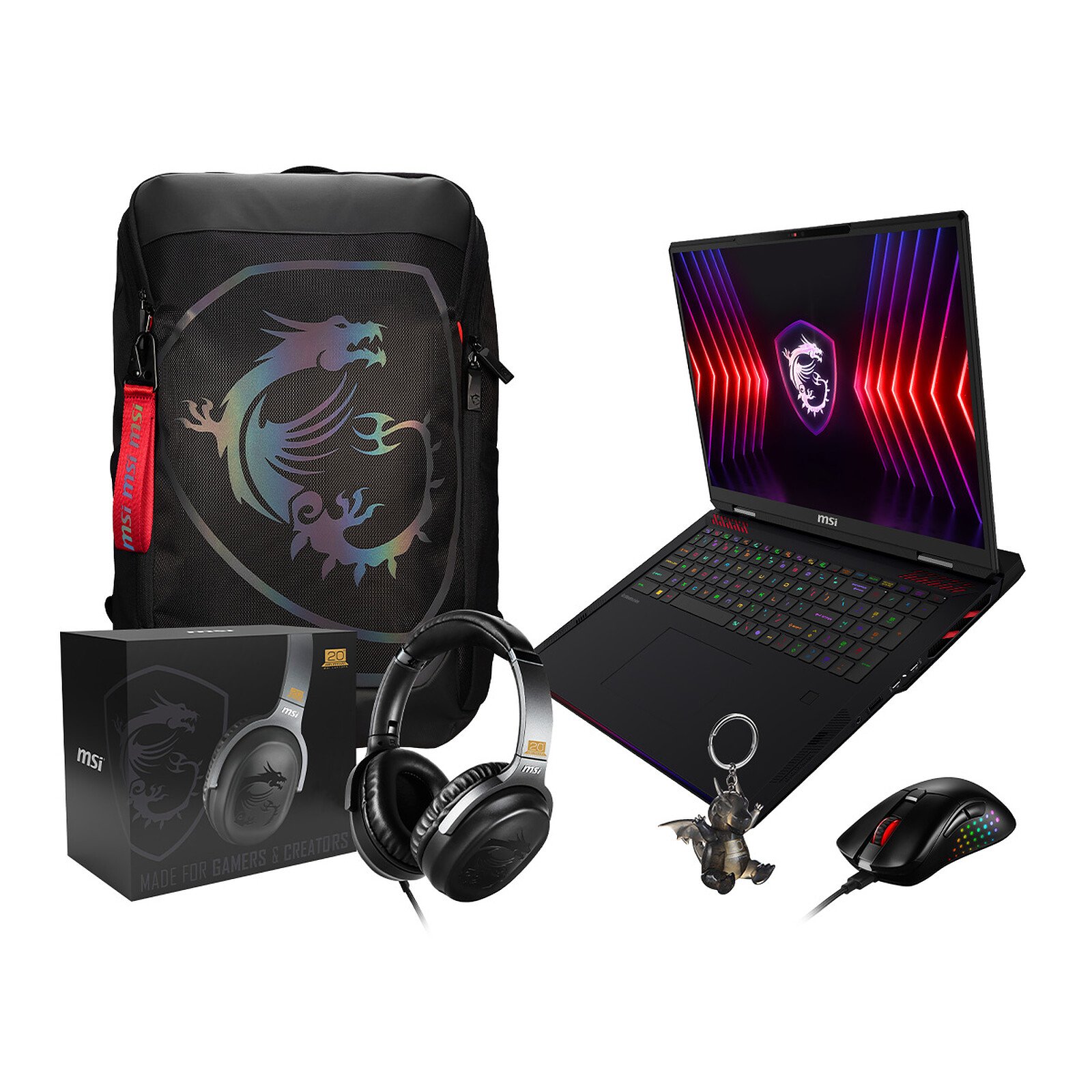
| MSI Raider A18 HX | AMD Ryzen 9 9955HX3D | RTX 4090 16GB | 32GB DDR5 (64GB max) | GPU-heavy rendering + 3D-V Cache compile | $3,499 |
| ASUS ROG Zephyrus G16 | Intel Core Ultra 9 185H | RTX 4080 16GB | 32GB LPDDR5X | Indie dev + portability balance | $2,999 |
| HP OMEN Max 16 (RTX 5080) | Intel Core Ultra 9 275HX | RTX 5080 16GB | 32GB DDR5 (64GB max) | Next-gen rendering, AI-assisted dev tools | $2,799 |
| Lenovo Legion Pro 7i | Intel Core i9-14900HX | RTX 4080 Super 16GB | 32GB DDR5 (64GB max) | Mid-tier AAA / indie game dev | $2,499 |
Consequently, for Unreal Engine 5 development specifically — where Nanite virtualized geometry and Lumen global illumination place extreme demands on GPU VRAM — the RTX 4090 16GB in the Razer Blade 18 or MSI Raider A18 HX is the definitive choice. Furthermore, the HP OMEN Max 16 with its RTX 5080 represents the next-generation jump, offering improved DLSS 4 Multi Frame Generation support that is directly relevant to testing frame rate optimization in shipping titles.
Why VRAM Matters More Than Clock Speed for Game Developers
Moreover, game developers consistently encounter VRAM limitations before CPU or GPU compute limitations during active development. Specifically, running a large Unreal Engine 5 scene with Nanite geometry, Lumen dynamic lighting, high-resolution texture streaming, and editor UI simultaneously can easily consume 12–14GB of VRAM. Additionally, AI-assisted coding tools like GitHub Copilot’s local inference models and NVIDIA’s RTX-accelerated AI features consume additional VRAM when active. Consequently, the 16GB GDDR6X on the RTX 4090 and RTX 5080 configurations provides comfortable headroom that 8GB RTX 4070 cards simply cannot match for professional game development.
Frequently Asked Questions — Gaming Laptops for Game Developers
Is the AMD Ryzen 9 9955HX3D in the MSI Raider A18 HX better than Intel for game dev?
For code compilation specifically, yes. The 3D V-Cache technology on the 9955HX3D dramatically accelerates cache-sensitive operations — including shader compilation queues, which are notoriously cache-intensive in Unreal Engine. Consequently, full project shader compilation on the MSI Raider A18 HX is measurably faster than on Intel Core i9-14900HX systems. Furthermore, the Ryzen 9’s IPC improvements in Zen 5 architecture deliver strong single-threaded performance for editor responsiveness.
How much RAM do game developers actually need in a laptop?
32GB DDR5 is the practical minimum for modern game development, but 64GB is strongly recommended for AAA projects. Specifically, Unreal Engine 5 with a large open-world project, a browser, Slack, and Perforce version control active simultaneously can consume 28–36GB of RAM. Consequently, upgrading to 64GB eliminates swap file use and dramatically improves editor stability over long sessions.
Is the Razer Blade 18 too large for daily laptop use as a game developer?
The 18-inch form factor is a valid trade-off consideration. Specifically, the Razer Blade 18 weighs approximately 3.1kg and measures 399mm wide — substantial for daily commuting, but excellent for desk-bound development sessions. Furthermore, the larger chassis accommodates more powerful cooling, which sustains maximum GPU/CPU performance under extended UE5 rendering sessions without the throttling seen in thinner 15/16-inch laptops.
Does the HP OMEN Max 16 support NVIDIA RTX 5080’s DLSS 4 Multi Frame Generation?
Yes. The HP OMEN Max 16 ships with a full RTX 5080 Blackwell GPU, which natively supports DLSS 4 Multi Frame Generation — capable of generating up to 3 additional AI-rendered frames per native frame. Consequently, this is directly relevant to game developers testing DLSS 4 integration in their titles before shipping. Furthermore, NVIDIA provides updated developer SDK support for Blackwell in both Unreal Engine and Unity.
Does SmartBuyGadgets offer RAM upgrade configurations for game developer laptops?
Yes. Several models — including the Razer Blade 18, MSI Raider A18 HX, and Lenovo Legion Pro 7i — support user-accessible SO-DIMM slots for RAM upgrades. Consequently, buyers can purchase the base 32GB configuration and upgrade to 64GB post-delivery with compatible DDR5 modules. Furthermore, SmartBuyGadgets’ support team can advise on compatible upgrade RAM kits for specific models.
Order Your Game Development Laptop Today
SmartBuyGadgets stocks the full lineup of professional-grade gaming laptops for game developers, with fast shipping and secure checkout. Furthermore, our team can help you configure the optimal setup for your engine, studio, and budget. Therefore, browse our catalog and invest in the development machine your projects deserve.